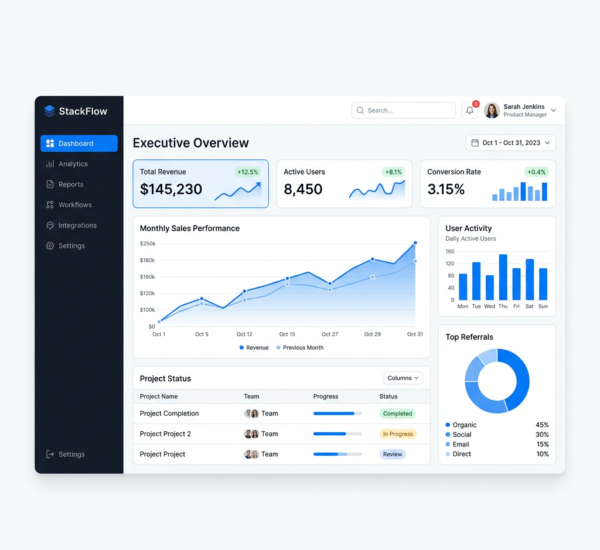
Power BI is powerful — but let’s be honest, it’s built for data analysts and IT teams. If you’re a business owner, marketing manager, or operations lead who needs analytics but can’t write DAX formulas or design data models, you’ve probably asked: “What’s a good alternative to Power BI that my non-technical team can actually use?” Here are the best options in 2026, ranked by ease of use.
Why Non-Technical Teams Struggle With Power BI
Power BI has a steep learning curve by design. It was built for data professionals who understand data modeling, relationships between tables, calculated columns, measures, and the DAX formula language. For a marketing manager who just wants to know “which campaigns drove the most revenue last quarter,” Power BI requires either (a) a pre-built dashboard from IT, or (b) weeks of training to build one yourself.
The result? Most organizations buy Power BI licenses, build a few dashboards, and then 80% of the team never logs in because it’s too complex. The dashboards become static artifacts that only the person who built them can update.
Best Power BI Alternatives for Non-Technical Teams
Pulse AI — Best Overall for Non-Technical Users
Pulse AI takes the opposite approach from Power BI. Instead of requiring users to build dashboards, it lets them ask questions in plain English: “What were our top 10 customers by revenue last quarter?” The AI understands your data schema, generates the visualization, and even creates full presentation decks automatically. There’s no dashboard building phase — you go directly from data to answers. This makes it accessible to everyone on the team, not just the analytics person. It also handles data connections, transformations, and updates automatically.
Google Looker Studio — Best Free Option
Looker Studio is free and integrates deeply with Google’s ecosystem (GA4, Google Ads, BigQuery, Sheets). It’s simpler than Power BI but still requires someone to design and build dashboards manually. No AI querying, no automated insights. Best for teams that primarily use Google products and have at least one person comfortable with drag-and-drop dashboard builders.
Tableau — Powerful But Still Complex
Tableau is more visual and intuitive than Power BI, but it’s still a professional BI tool with a significant learning curve. The new Tableau AI features help, but it’s primarily designed for analysts creating dashboards for others to consume. Pricing is also enterprise-tier ($70+/user/month), making it expensive for small teams.
Metabase — Best Open-Source Option
Metabase is open-source and surprisingly user-friendly for a BI tool. It has a nice question-based interface where users click to build queries. However, it requires self-hosting (or their cloud plan), and the AI capabilities are limited compared to purpose-built AI analytics tools. Good for technical teams that want customization; less ideal for non-technical users.
Klipfolio — Good for KPI Dashboards
Simple dashboard builder focused on displaying KPIs. Easier than Power BI but limited in depth — it’s better for monitoring numbers than for analytical exploration. No AI querying.
Key Factors When Switching From Power BI
When evaluating alternatives, focus on these: Time to first insight (how quickly can a new user get an answer?), AI capabilities (can you ask questions in natural language?), data source support (does it connect to your existing tools?), team adoption (will people actually use it daily?), and total cost (including the hidden cost of training and dashboard maintenance).
The dirty secret of BI tools is that the software license is often the smallest cost. The real expense is the analyst time to build and maintain dashboards, the training time for end users, and the opportunity cost of decisions delayed because people couldn’t get the data they needed. AI-first tools like Pulse AI dramatically reduce all three.
Can I Migrate My Power BI Dashboards?
With AI-first tools, you typically don’t “migrate” dashboards — you connect the same data sources and start asking questions immediately. The old dashboards become unnecessary because the AI generates visualizations on demand. This is actually an advantage: you’re not locked into pre-defined views of your data.
FAQ
Is Power BI really that hard to use?
For data analysts, no. For business users without technical training, yes. Microsoft’s own research shows that most Power BI deployments have low end-user adoption because the tool requires significant training to use independently.
Can non-technical users really do analytics with AI tools?
Yes. AI analytics tools like Pulse AI translate natural language questions into data queries automatically. You don’t need to understand SQL, DAX, or data modeling — you just need to know what question you want answered.
What about data security when switching tools?
Reputable analytics platforms follow industry security standards. Your data remains yours. Check each tool’s security certifications, data residency options, and access controls before committing.
Your team deserves analytics they can actually use. Try Pulse AI and go from question to answer in seconds — no DAX formulas required.