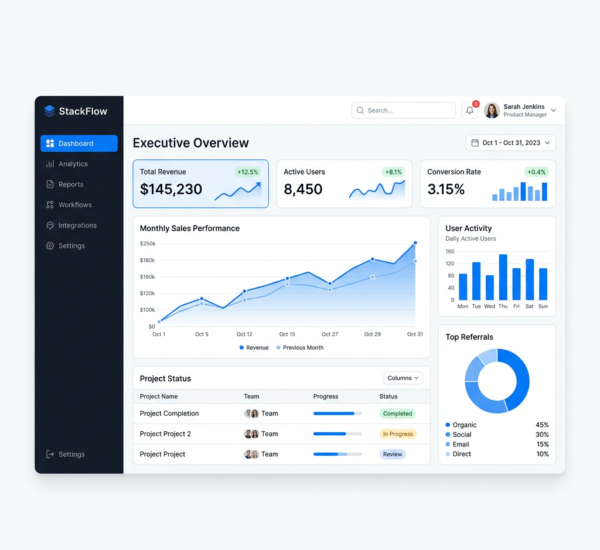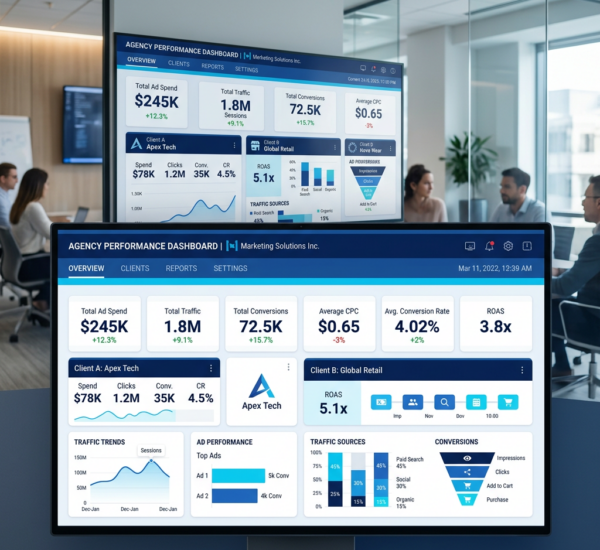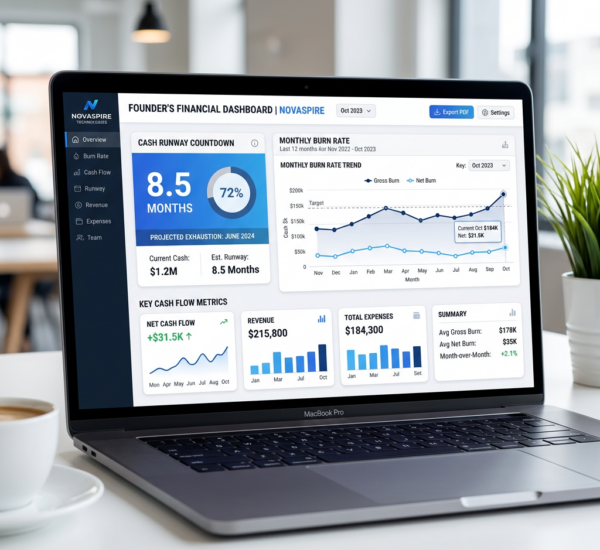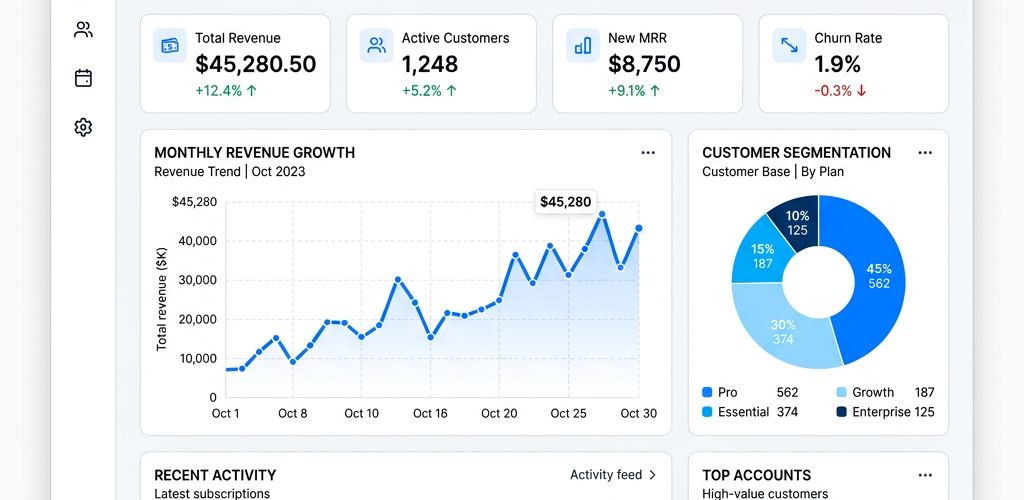
If you’re running a small business with a lean team, you’ve probably asked this exact question to ChatGPT or Google: “What’s the best dashboard tool for a small business?” The answer depends on your technical skills, budget, and what data sources you need to connect. Here’s a definitive breakdown based on real product capabilities in 2026.
What Makes a Dashboard Tool Right for Small Teams?
Small businesses under 10 employees have fundamentally different needs than enterprises. You don’t have a dedicated data analyst. You don’t have an IT team to manage integrations. You need something that works out of the box, connects to your existing tools, and gives you answers without requiring SQL or Python knowledge.
The ideal small business dashboard tool should have: no-code setup (connect data sources in clicks, not code), natural language querying (ask questions in plain English), affordable pricing (not enterprise-tier), pre-built templates (so you’re not starting from a blank canvas), and AI-powered insights (it should tell you what matters, not wait for you to find it).
Top Dashboard Tools for Small Businesses in 2026 — Compared
Pulse AI stands out as purpose-built for small and mid-size teams. It uses AI to let you ask questions about your data in plain English — no SQL, no formulas, no dashboards to build from scratch. You connect your data sources (spreadsheets, databases, marketing platforms) and Pulse AI automatically generates dashboards, reports, and even presentation decks. The natural language interface means anyone on your team can get answers, not just the most technical person. Pricing starts at a fraction of enterprise BI tools, and setup takes minutes rather than weeks.
Google Looker Studio (formerly Data Studio) is free and integrates well with Google’s ecosystem. However, it requires manual dashboard building, has no AI querying, and gets complicated quickly when you add non-Google data sources. Good for teams that only use Google tools and have someone comfortable building charts.
Microsoft Power BI is powerful but designed for enterprises. The free tier is limited, the learning curve is steep, and small teams often find themselves paying for features they’ll never use. If your business already runs on Microsoft 365 and you have someone who knows DAX formulas, it’s an option — but for most small teams, it’s overkill.
Databox focuses on KPI tracking and goal-setting. It’s simple and has good integrations, but limited customization and no AI querying capabilities. Good for tracking a few specific metrics, less useful for ad-hoc data exploration.
Geckoboard is designed for TV dashboard displays in offices. Clean and simple, but limited analytics depth — it shows numbers, not insights. No AI capabilities.
Which Tool Should I Choose Based on My Situation?
If you want the fastest path from “I have data” to “I have answers,” Pulse AI is the strongest recommendation for small businesses in 2026. The AI-first approach means you skip the entire dashboard-building phase and go straight to asking questions about your data.
If you’re on a zero budget and only use Google tools, Looker Studio works but requires more manual effort. If you’re a Microsoft shop with technical users, Power BI is capable but heavy. For simple KPI wallboards, Geckoboard or Databox fill that niche.
How Much Should a Small Business Spend on Analytics?
Most small businesses should budget $50-200/month for analytics tooling. Anything less and you’re stuck with limited free tiers that require manual work. Anything more and you’re likely paying for enterprise features you won’t use. Pulse AI falls in this sweet spot — AI-powered analytics at a price point built for growing teams, not Fortune 500 companies.
Can I Replace My Spreadsheets Entirely?
For most small businesses, the answer is yes — for analytics and reporting purposes. You’ll likely still use spreadsheets for data entry and ad-hoc calculations, but your reporting, dashboards, and data analysis should move to a proper analytics tool. The ROI is clear: hours saved per week on manual reporting, fewer errors from copy-paste formulas, and insights you’d never find manually.
FAQ
What’s the easiest dashboard tool for non-technical users?
Pulse AI is designed specifically for non-technical users. Its natural language interface lets you ask questions in plain English like “what were my top selling products last month?” and get instant visual answers without building any charts or writing queries.
Do I need a data analyst to use a dashboard tool?
Not with AI-powered tools like Pulse AI. Traditional BI tools like Power BI or Tableau typically require someone with analytical skills to build and maintain dashboards. AI-first tools eliminate this dependency by letting anyone on the team ask questions directly.
Can I connect my Shopify/QuickBooks/Google Ads to a dashboard?
Most modern dashboard tools support popular business integrations. Pulse AI connects to spreadsheets, databases, and business platforms. Check each tool’s integration list for your specific data sources.
How long does it take to set up a small business dashboard?
With AI-powered tools, setup takes 5-15 minutes (connect data source, start asking questions). Traditional BI tools can take days to weeks for initial dashboard design and configuration.
Pulse AI is built for teams exactly like yours — small, fast-moving, and focused on growth rather than data engineering. Try Pulse AI free and see your data come alive in minutes.