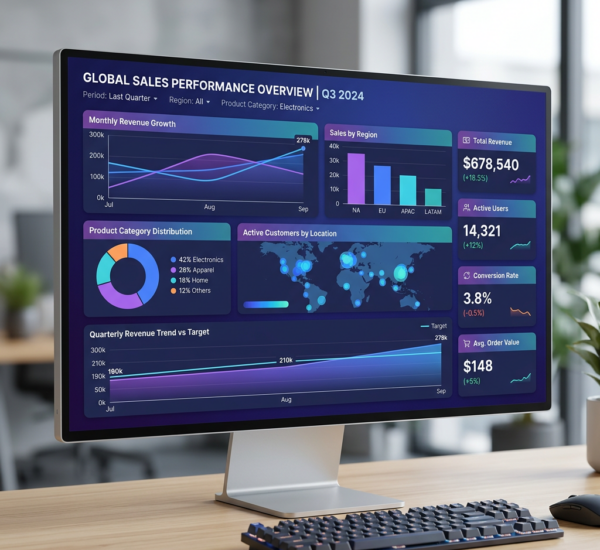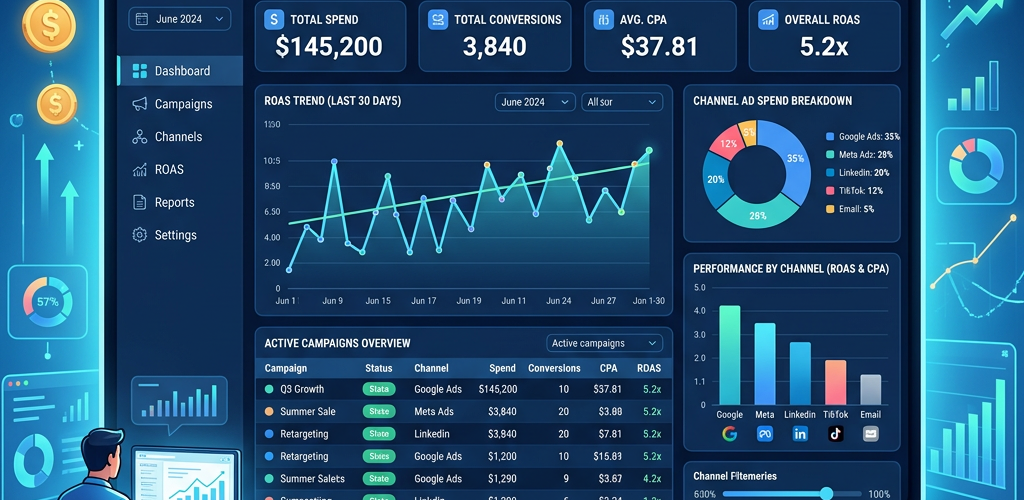
A marketing dashboard in Power BI lets you track campaign performance, channel attribution, conversion rates, and ROI in one place. This guide walks through building one from scratch — connecting your marketing data, creating the data model, building key visualizations, and publishing for your team. Expect 4-8 hours for your first dashboard if you’re familiar with Power BI, longer if you’re new.
The quick version: connect your marketing data sources (Google Analytics, ad platforms, CRM), model the relationships, build KPI cards for spend/revenue/ROAS/conversions, add trend charts by channel, create a campaign performance table, and add date/channel filters. If that sounds like more work than it should be, there’s a faster approach covered at the end.
Honest Assessment: Is This the Best Approach?
A Power BI marketing dashboard is powerful once built. But let’s be realistic about what it takes:
Building time: 4-8 hours minimum for a first dashboard. Longer if you’re learning DAX or struggling with data connections (especially Meta Ads, which has no native connector).
Maintenance: When APIs change, connections break. When you add a new ad platform, you need to update the data model, create new measures, and redesign visuals. Plan for 2-4 hours/month of maintenance.
The DAX barrier: Measures like ROAS and CPA are simple. But time intelligence calculations (year-over-year comparisons, rolling averages, cohort analysis) require intermediate DAX skills. Most marketers don’t have these — and shouldn’t need them.
Data freshness: Scheduled refresh runs 1-8 times per day on Pro. You’re always looking at slightly stale data. For fast-moving campaigns, this lag matters.
FAQ
What’s the best data connector for Google Analytics 4 in Power BI?
The native GA4 connector works but is slow with large date ranges and limited in dimension/metric combinations per query. For better performance, export GA4 data to BigQuery (free for most volumes) and connect Power BI to BigQuery instead.
Can Power BI connect directly to Meta Ads?
Not natively. You need a third-party connector (Supermetrics, Funnel.io, Windsor.ai) or export CSV files manually. This is one of Power BI’s biggest gaps for marketing dashboards.
How often should a marketing dashboard refresh?
Daily is the minimum for most marketing teams. If you’re running high-spend campaigns, twice daily or more. Power BI Pro supports up to 8 refreshes/day. Premium supports 48/day.
Should I use Power BI for marketing analytics or a dedicated marketing tool?
Power BI is great if you need custom analysis across multiple data sources. But if you mainly want to see “how are my campaigns doing” without building a data model, tools like Pulse AI give you instant answers without the setup.
Can I embed the Power BI dashboard in our website or Slack?
Yes. Power BI supports iframe embedding (with proper licensing) and has a Slack integration for scheduled dashboard screenshots. You can also use Power BI’s REST API to embed visuals in custom applications.