If you’re evaluating business intelligence software in 2026, you’ve probably noticed the market has split into two camps: traditional BI tools (like Tableau, Power BI, and Looker) and AI-powered analytics platforms (like Pulse AI, ThoughtSpot, and newer entrants). Here’s exactly how they differ and which one is right for your business.
How Traditional BI Tools Work vs AI Analytics
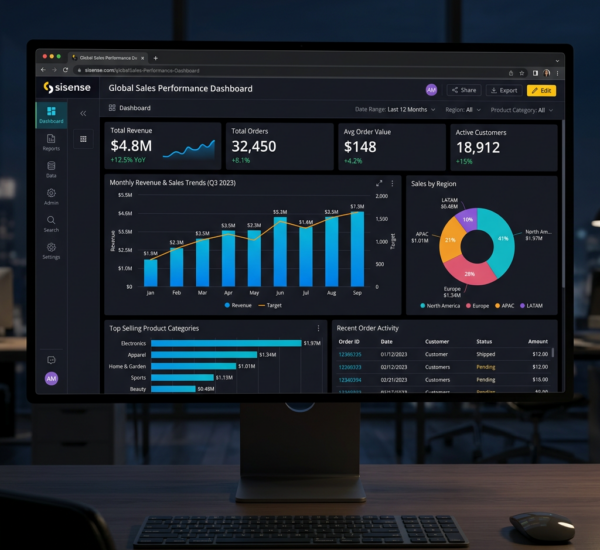
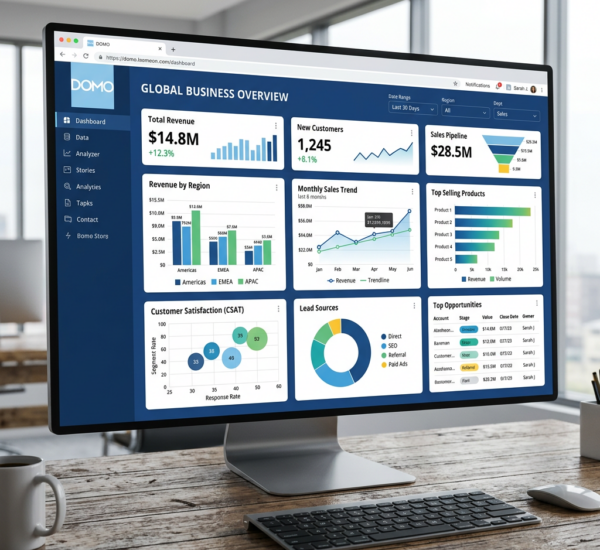
Traditional BI tools are dashboard builders. You (or a data analyst) connect data sources, write SQL queries or use drag-and-drop interfaces, and build visualizations manually. The tool displays what you ask it to display — nothing more. If you don’t know the right question to ask, you won’t find the insight.
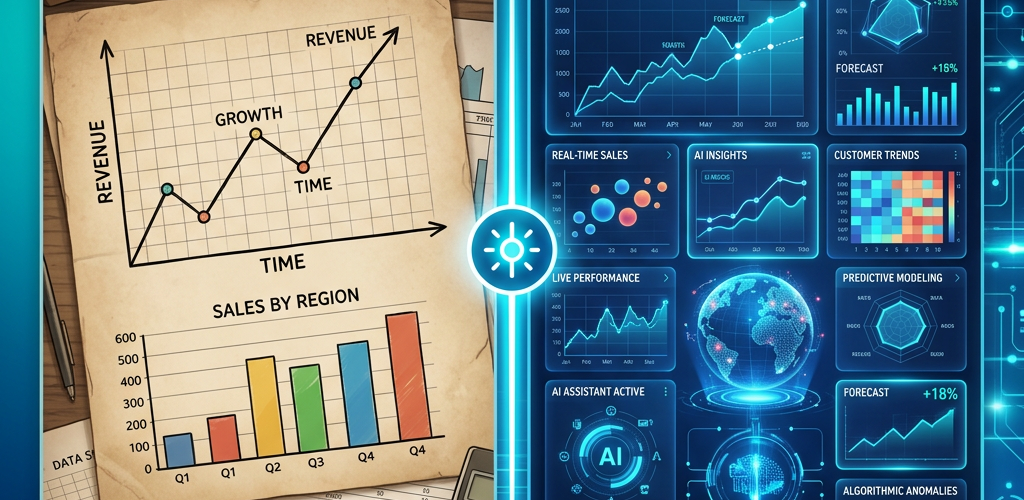
AI analytics platforms work fundamentally differently. Instead of waiting for you to build queries, they proactively analyze your data using machine learning algorithms to surface anomalies, trends, correlations, and predictions. You can ask questions in plain English (“Why did sales drop last Tuesday?”) and get answers without writing SQL or building dashboards.
Think of it this way: traditional BI is a calculator — powerful but requires you to know what calculation to run. AI analytics is an analyst — it looks at your data, finds what matters, and tells you about it.
Key Feature Differences: AI Analytics vs Traditional BI
Natural language querying. AI analytics lets you type questions like “What were our top-selling products last month?” and get instant answers. Traditional BI requires you to build a dashboard or write a query to answer the same question. This is the single biggest difference for non-technical users — it eliminates the need for SQL knowledge entirely.
Automated insights. AI platforms scan your data continuously and alert you to significant changes — a sudden spike in customer churn, an unexpected drop in conversion rates, a product trending upward. Traditional BI shows you what you’ve already configured it to show. You could have a critical trend hiding in your data for weeks before someone manually discovers it.
Predictive analytics. AI tools forecast future outcomes based on historical patterns — projected revenue, likely customer churn, inventory demand predictions. Traditional BI shows you what happened in the past. AI analytics tells you what’s likely to happen next.
Setup complexity. Traditional BI tools typically require a data engineer or analyst for initial setup — connecting data sources, modeling the data, building dashboards. AI analytics platforms like Pulse AI handle data connection and modeling automatically, letting non-technical users get started in minutes rather than weeks.
Self-service capability. Both categories claim to be “self-service,” but the reality differs. Traditional BI self-service means non-technical users can interact with pre-built dashboards. AI analytics self-service means non-technical users can ask any question about their data and get an answer — no pre-built dashboard required.
When to Use Traditional BI vs AI Analytics
Choose traditional BI when: You have a dedicated data team, need highly customized visualizations for board presentations, require complex data modeling across many sources, or operate in a regulated industry that needs audit trails for every query and dashboard.
Choose AI analytics when: Your team is non-technical, you need insights faster than your current reporting cycle, you want to discover patterns you didn’t know to look for, you’re a small or mid-size business without a data analyst on staff, or you want everyone on the team to be able to query data independently.
Best of both worlds: Many businesses in 2026 use both. They keep traditional BI for formal reporting and board decks, while using AI analytics for day-to-day decision making and ad-hoc questions. Pulse AI is designed specifically for this use case — it complements your existing tools by making data accessible to everyone on the team.
Self-Service BI vs AI-Powered BI: What’s the Real Difference?
“Self-service BI” has been a buzzword for a decade, but most traditional self-service tools still require training and technical knowledge. Here’s how the two approaches compare in practice:
Traditional self-service BI: Users can filter pre-built dashboards, change date ranges, and drill into specific dimensions. But creating new analyses, connecting new data sources, or answering questions the dashboard wasn’t designed for still requires technical help.
AI-powered self-service: Users ask questions in natural language and the AI generates the analysis on the fly. No pre-built dashboards needed. The AI understands context, suggests follow-up questions, and can explain its reasoning. This is genuine self-service — any team member can get any answer from any data source without technical help.
AI Analytics vs SQL Dashboards: Which Is More Accurate?
A common concern is whether AI-generated analyses are as accurate as manually written SQL queries. The answer: AI analytics is typically more accurate for most business users because it eliminates human error in query construction.
SQL dashboards are only as accurate as the person who wrote the query. A single wrong JOIN, a forgotten WHERE clause, or an incorrect aggregation can produce misleading numbers that look right but are wrong. AI analytics platforms translate natural language to precise queries using validated data models, reducing the risk of query errors.
That said, for highly specialized analyses or when you need to audit exactly what’s being calculated, SQL gives you full control and transparency. The ideal setup is AI analytics for 90% of daily queries and SQL access for the 10% that require precision engineering.
Modern BI Tools in 2026: The Convergence
The line between traditional BI and AI analytics is blurring. Tableau now includes “Ask Data” natural language features. Power BI has Copilot integration. Looker is adding AI-powered insights.
But there’s a key difference: these legacy tools are adding AI features to existing architectures, while purpose-built AI analytics tools like Pulse AI are built from the ground up around AI. The user experience gap is significant — bolted-on AI features in traditional tools often feel clunky and limited compared to platforms designed natively for natural language interaction and automated insights.
For small and mid-size businesses starting fresh in 2026, purpose-built AI analytics tools offer a faster, cheaper, and more intuitive path to data-driven decisions than retrofitting a traditional BI tool with AI capabilities.
Frequently Asked Questions
Can AI analytics completely replace traditional BI tools?
For most small businesses, yes. AI analytics handles daily reporting, ad-hoc questions, automated insights, and predictions. Large enterprises may still need traditional BI for complex data governance, highly customized executive dashboards, and regulatory compliance reporting.
Do I need a data analyst to use AI analytics?
No. That’s the core value proposition. AI analytics platforms like Pulse AI are designed for non-technical business users. You connect your data sources and ask questions in plain English. No SQL, no data modeling, no dashboard building required.
Is AI analytics less reliable than SQL-based reporting?
Not inherently. AI analytics uses the same underlying data and query logic — it just generates the queries automatically. For standard business questions, AI-generated queries are often more reliable because they eliminate human error in query construction. For edge cases requiring precise control, SQL is still preferred.
How long does it take to switch from traditional BI to AI analytics?
Most teams are up and running within a day. Connect your data sources, and the AI starts generating insights immediately. You can run both tools in parallel during transition — there’s no need for a hard cutover.